
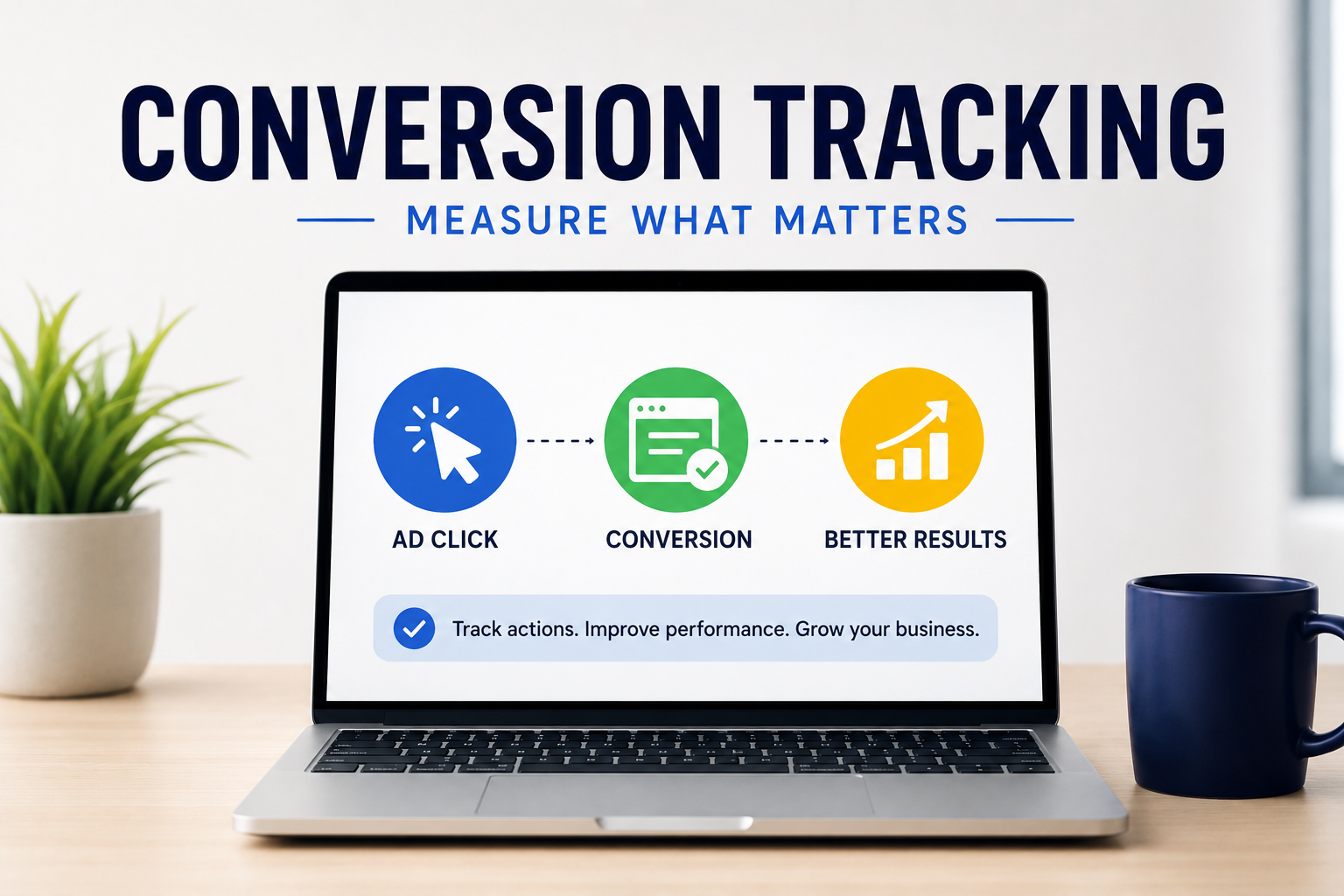
Running Google Ads without conversion tracking is like driving with your eyes closed.
You may know how many people clicked on your ads, but without accurate tracking, you have no way of knowing whether those clicks generated phone calls, enquiries, bookings or sales.
Conversion tracking provides the data needed to understand what’s working, what’s not, and where your advertising budget should be invested.
For businesses serious about maximising their return on investment, conversion tracking isn’t optional—it’s essential.
What Is Google Ads Conversion Tracking?
Google Ads conversion tracking measures the actions visitors take after clicking on your advertisement.
Rather than focusing only on clicks or website traffic, conversion tracking records meaningful business outcomes, such as:
- Phone calls
- Contact form submissions
- Quote requests
- Appointment bookings
- Online purchases
- Newsletter sign-ups
- Live chat enquiries
- Downloads
These actions become your conversions, allowing Google Ads to optimise campaigns for real business results rather than simply generating website visits.
Why Conversion Tracking Matters
Many businesses believe their Google Ads campaigns are successful because they’re receiving lots of clicks.
However, clicks don’t pay the bills.
Conversions do.
Accurate conversion tracking helps answer questions such as:
- Which keywords generate the most enquiries?
- Which advertisements produce the highest-quality leads?
- Which landing pages convert best?
- Which campaign delivers the highest return on investment?
- Which services are most profitable?
Without this information, it’s impossible to optimise your campaigns effectively.
What Can You Track?
| Conversion Type | Example |
|---|---|
| Phone Calls | Customer calls your business |
| Lead Forms | Contact form submitted |
| Quote Requests | Online quote enquiry |
| Bookings | Appointment scheduled |
| Online Sales | Purchase completed |
| Downloads | Guide or brochure downloaded |
How Conversion Tracking Works
When someone clicks on your advertisement, Google places a small tracking identifier in their browser.
If that visitor later completes an important action—such as submitting an enquiry or purchasing a product, Google records that action as a conversion.
This information is then sent back to your Google Ads account, allowing the platform to identify which keywords, audiences and advertisements are producing results.
Over time, Google’s machine learning uses this data to improve campaign performance automatically.
Google Ads Works Best with Google Analytics 4
Google Ads becomes even more powerful when connected to Google Analytics 4 (GA4).
GA4 provides additional insights, including:
- User behaviour
- Landing page performance
- Traffic sources
- Engagement metrics
- Customer journeys
- Cross-device interactions
By linking Google Ads with GA4, businesses gain a much clearer understanding of how visitors interact with their website before converting.
Common Conversion Tracking Mistakes
Many businesses unknowingly collect inaccurate data.
Some of the most common mistakes include:
- Tracking page views instead of enquiries
- Counting duplicate conversions
- Missing phone call tracking
- Not tracking online purchases
- Incorrect Google Tag Manager setup
- Broken tracking tags
- Importing the wrong GA4 events
- Not testing conversions
Even small tracking errors can significantly affect campaign performance.
Why Accurate Data Improves Google Ads
Google’s bidding strategies rely on conversion data.
If the data is inaccurate, Google’s AI learns from incorrect information.
When tracking is properly configured, Google can:
- Find better customers
- Optimise bids automatically
- Improve lead quality
- Reduce wasted spend
- Increase return on investment
Better data leads to better decisions.
Google Tag Manager Makes Tracking Easier
Most modern websites use Google Tag Manager (GTM) to manage tracking codes.
Rather than editing your website every time a new conversion needs to be added, GTM allows businesses to manage tracking through a single container.
Benefits include:
- Easier maintenance
- Faster implementation
- Improved accuracy
- Greater flexibility
- Simpler testing
Testing Is Just as Important
Tracking should always be tested before campaigns begin.
A properly configured account should confirm that:
- Contact forms trigger conversions.
- Phone calls are recorded.
- Purchases are tracked correctly.
- GA4 receives events.
- Google Ads imports conversions accurately.
Regular testing helps prevent lost data and reporting issues.
How DigiMedia Worx Sets Up Conversion Tracking
At DigiMedia Worx, conversion tracking is a core part of every Google Ads campaign we manage.
We configure Google Ads, Google Analytics 4, Google Tag Manager and other supporting platforms to ensure every important customer action is measured accurately.
By tracking meaningful conversions instead of vanity metrics, we help businesses make informed decisions, improve campaign performance and maximise their advertising return on investment.
Final Thoughts
Clicks tell you how many people visited your website.
Conversions tell you how many people became potential customers.
Without accurate conversion tracking, it’s impossible to know whether your Google Ads campaigns are truly successful.
By investing in proper tracking from the beginning, businesses gain clearer insights, better optimisation opportunities and more confidence in every advertising decision.
Frequently Asked Questions
What is a Google Ads conversion?
A conversion is a valuable action a visitor completes after clicking your advertisement, such as submitting a contact form, calling your business or making a purchase.
Why is conversion tracking important?
It shows which campaigns, keywords and advertisements are generating real business results rather than simply website traffic.
Can I track phone calls?
Yes. Google Ads can track phone calls made directly from advertisements and from your website.
Do I need Google Analytics 4?
While not essential, GA4 provides much deeper insights into visitor behaviour and campaign performance.
What is Google Tag Manager?
Google Tag Manager is a free tool that allows businesses to manage tracking codes without continually editing website code.
Can conversion tracking improve my Google Ads performance?
Yes. Accurate conversion data allows Google’s machine learning to optimise campaigns for better results.
What happens if conversion tracking is incorrect?
Incorrect tracking can lead to poor optimisation decisions, wasted advertising budget and inaccurate reporting.
Should eCommerce websites use conversion tracking?
Absolutely. Online stores should track purchases, revenue and customer behaviour to maximise return on investment.
How often should tracking be tested?
Tracking should be tested whenever changes are made to your website and reviewed regularly to ensure data remains accurate.
Can DigiMedia Worx set up Google Ads conversion tracking?
Yes. We configure and manage conversion tracking using Google Ads, Google Analytics 4 and Google Tag Manager to ensure every important customer interaction is measured accurately.