
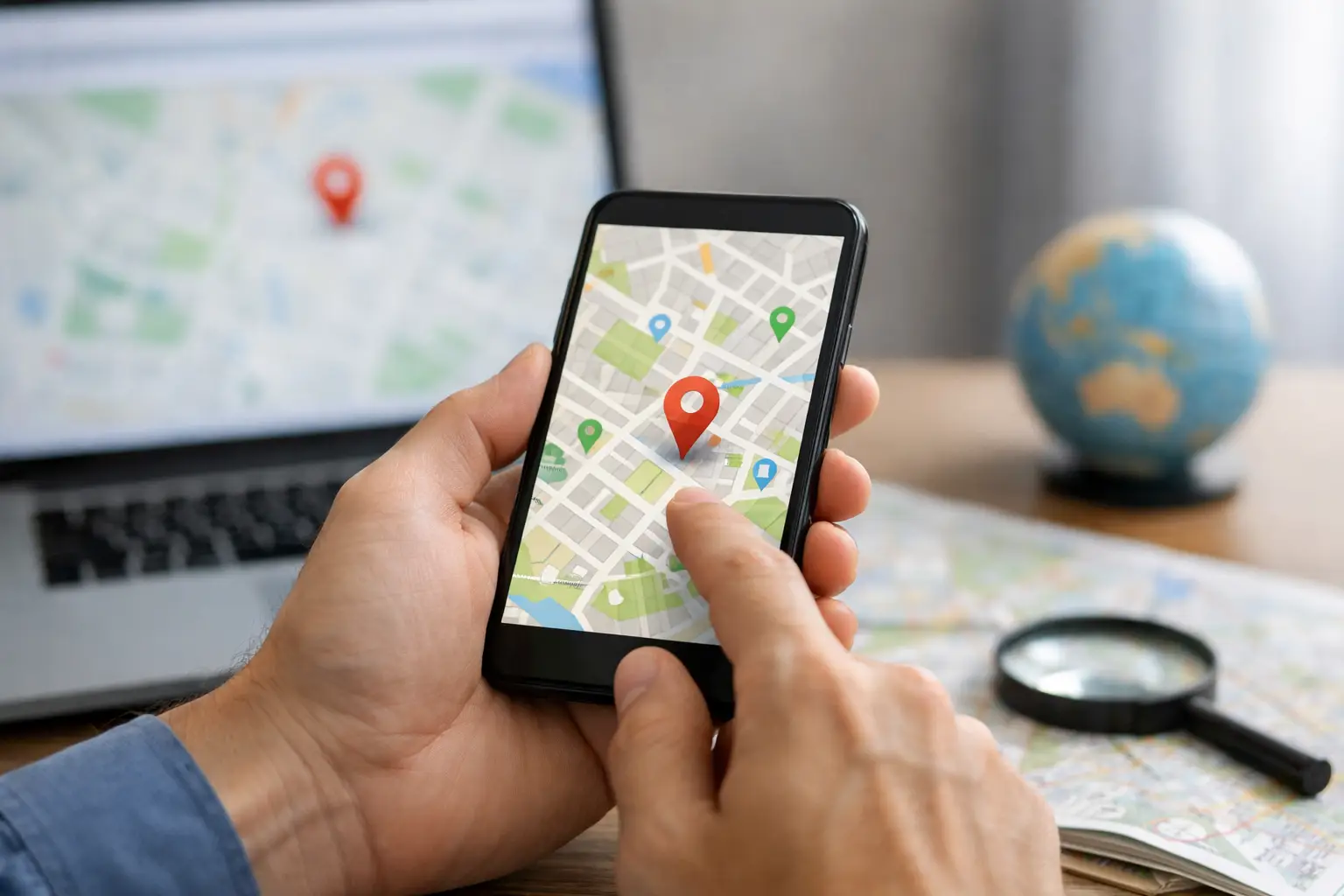
A customer searches for the service you provide, sees three competitors on the map, and your business is nowhere in sight. If you are asking, “why is my business not showing on Google Maps?”, the issue is usually not one mysterious Google problem. It is more often a combination of profile status, location settings, business information and local competition.
Google Maps visibility can directly affect calls, direction requests, website visits and enquiries. For a local business, that makes it a commercial issue, not just a marketing detail. The good news is that most causes can be identified and addressed with a methodical review.
First, establish whether you are missing or just not ranking
There is an important difference between a business that is not visible at all and one that is visible only when someone searches its name.
Search Google Maps for your exact business name while signed out of your Google account or using a private browser window. If your listing appears, your profile is likely live. The challenge is local ranking: appearing when people search for a service such as “electrician near me” or “accountant Brisbane”.
If the profile does not appear even for its exact name, focus first on verification, suspension, duplicate listings and address details. Ranking improvements will not help until Google can confidently show the listing in the first place.
Why is my business not showing on Google Maps at all?
Your Google Business Profile is not verified
Google needs to confirm that a business is genuine before it can be reliably displayed across Maps and Search. A profile that is incomplete or awaiting verification may have limited visibility, or may not appear publicly.
Log in to the Google account that manages the profile and check its status. Follow the available verification process carefully. Depending on the business, Google may offer video, phone, email or other verification methods. Do not create a second profile simply because verification is taking longer than expected. That can create a duplicate issue and make the situation harder to resolve.
The profile has been suspended or disabled
A suspended profile is one of the more frustrating reasons a business disappears from Google Maps. Google may suspend a listing where it believes the details do not comply with its guidelines, even if the business is legitimate.
Common triggers include using a virtual office as a storefront, adding unnecessary keywords to the business name, creating multiple profiles for the same location, or displaying an address where customers cannot actually visit during stated hours. Check the notice in your Business Profile dashboard, correct the underlying issue and submit a reinstatement request where appropriate.
Avoid making broad changes before you understand the reason for suspension. Repeated edits or new listings can delay resolution and create conflicting signals.
Your address or service area is set incorrectly
A physical location business should use the address where customers can visit during business hours. A service-area business, such as a plumber, mobile mechanic or cleaning company, can hide its street address and nominate the areas it serves.
The key is accuracy. Do not list a serviced suburb as a physical office if you do not operate from that address. Likewise, setting an overly large service area will not make you rank across all of it. Google uses proximity heavily, particularly for searches with local intent.
For businesses with multiple genuine locations, each location needs its own profile, phone number, accurate address and operational presence. A shared office address with several near-identical profiles is a common source of visibility problems.
A duplicate listing is confusing Google
Old addresses, former trading names and profiles created by past staff or agencies can leave duplicate entries on Maps. Google may then show the wrong listing, split reviews between profiles or suppress one of them.
Search your business name, phone number and old addresses in Google Maps. If you find duplicates, identify the correct primary listing before requesting that outdated listings be removed or marked as moved. Keep a record of ownership and access details so the right profile remains under your control.
If your profile exists, local ranking is the real issue
Google generally assesses local visibility through relevance, distance and prominence. You cannot control a searcher’s location, but you can make your business information clearer, strengthen local proof and improve the quality of your wider online presence.
Your primary category does not match what customers search for
The primary business category is one of the strongest relevance signals in a Google Business Profile. It should describe the core service or business type, not a broad aspiration or a keyword-stuffed phrase.
For example, a business focused on roof repairs should choose the most accurate category available for that service rather than a vague category that could apply to many trades. Additional categories can support genuine secondary services, but adding every remotely relevant option can dilute the profile rather than improve it.
Review competitors that consistently appear in the map results, but do not copy them blindly. Their category choices may suit their business model, location or service mix, not yours.
Your business information is incomplete or inconsistent
A complete profile gives customers and Google more confidence. Your business name, address and phone number should match the details used on your website, social profiles and established online directories. Small formatting variations are usually not catastrophic, but conflicting trading names, old phone numbers and different addresses can create uncertainty.
Complete the practical fields that help a customer make a decision: business hours, website, service areas, appointment options, accessibility details, services and a concise business description. Add current photos that show your premises, team, completed work or products. Stock imagery may have a place on a website, but authentic images are more useful for a local profile.
Keep hours current around public holidays and temporary closures. Nothing erodes trust faster than a customer turning up to a locked door after relying on Google Maps.
Your website gives Google little local context
Your Google Business Profile does not operate in isolation. Google uses information from your website and the broader web to understand what you do and where you are relevant.
A website should clearly explain your services, locations and contact details. For a Brisbane business serving nearby suburbs, it is reasonable to have useful service or location pages where there is a real commercial offering and original information to support them. It is not productive to publish dozens of thin suburb pages that say the same thing with a place name swapped out.
Strong local pages answer practical questions: what work you do, who it suits, what areas you serve, how customers can get in touch and why they should choose your business. This supports both organic visibility and confidence in your Maps listing.
You have too little evidence of prominence
Prominence is not simply about being the biggest company in town. It reflects the signals that suggest a business is recognised and trusted, including review quality and quantity, local mentions, website authority, engagement and established business information.
Ask genuine customers for reviews as part of your normal follow-up process. Make the request simple, timely and ethical. Never offer incentives for positive reviews, buy reviews or pressure customers to use specific wording. A steady flow of honest feedback is more sustainable than a sudden burst that looks unnatural.
Reply to reviews professionally, including the difficult ones. Your response will not erase a poor experience, but it shows prospective customers that you are accountable and willing to resolve issues.
A practical recovery plan
Start by checking the exact business-name search, then review profile status, verification and any Google notifications. Confirm the business name, address, phone number, primary category, opening hours, service area and website are correct. Next, search for duplicates and remove or merge outdated entries where needed.
Once the profile is technically sound, focus on visibility rather than quick fixes. Improve service information, add genuine photos, gather reviews consistently and make sure your website supports the locations and services you want to be found for. Track calls, website clicks, direction requests and enquiries, not only map rankings. A top position that produces the wrong type of lead is not a meaningful win.
Local rankings can move based on the searcher’s suburb, device, search term and competition, so no ethical provider can guarantee a permanent number-one Maps position. What can be built is a credible local presence that gives Google clear information and gives customers a reason to choose you.
If the issue involves a suspension, multiple locations or a profile that has been unmanaged for years, it may be worth getting experienced support before making further changes. DigiMedia Worx helps businesses review these foundations as part of a practical local visibility strategy. The most useful next step is simple: make your profile accurate enough that a customer can trust it, then make your wider digital presence strong enough that Google has a reason to show it.